Stop Renting Your Workflow: Building a Custom AI Coding Agent with Pi
- 11 minsFour tools, a settings file, and full control
The Tuesday that broke trust
I remember the exact session. Tuesday, mid-afternoon. I was refactoring a model evaluation harness, three files deep, and Claude Code started apologizing.
“I want to make sure I understand your request before proceeding.”
It had never apologized before. I hadn’t asked for caution. The week prior, the same command would have landed cleanly: read the file, propose the edit, move on. Now there was hedging. There was “let me think through this carefully.” There was a tool that had learned a new behavior overnight, without telling me.
I spent twenty minutes debugging my own prompts before I figured it out. Anthropic had shipped a release. The system prompt changed. My muscle memory was now fighting a tool that no longer behaved the way I’d learned it.
That was annoying. What came next was worse.
I was forty minutes into a refactoring session. Context built up: the files we’d discussed, the decisions we’d made three turns ago, the half-finished plan for the webhook handler. Then the conversation hit the limit. Claude Code compacted.
The compaction gutted everything that mattered. The summary it produced was technically accurate and completely useless. All the texture gone. I was re-explaining the problem from scratch to a tool I was paying for.
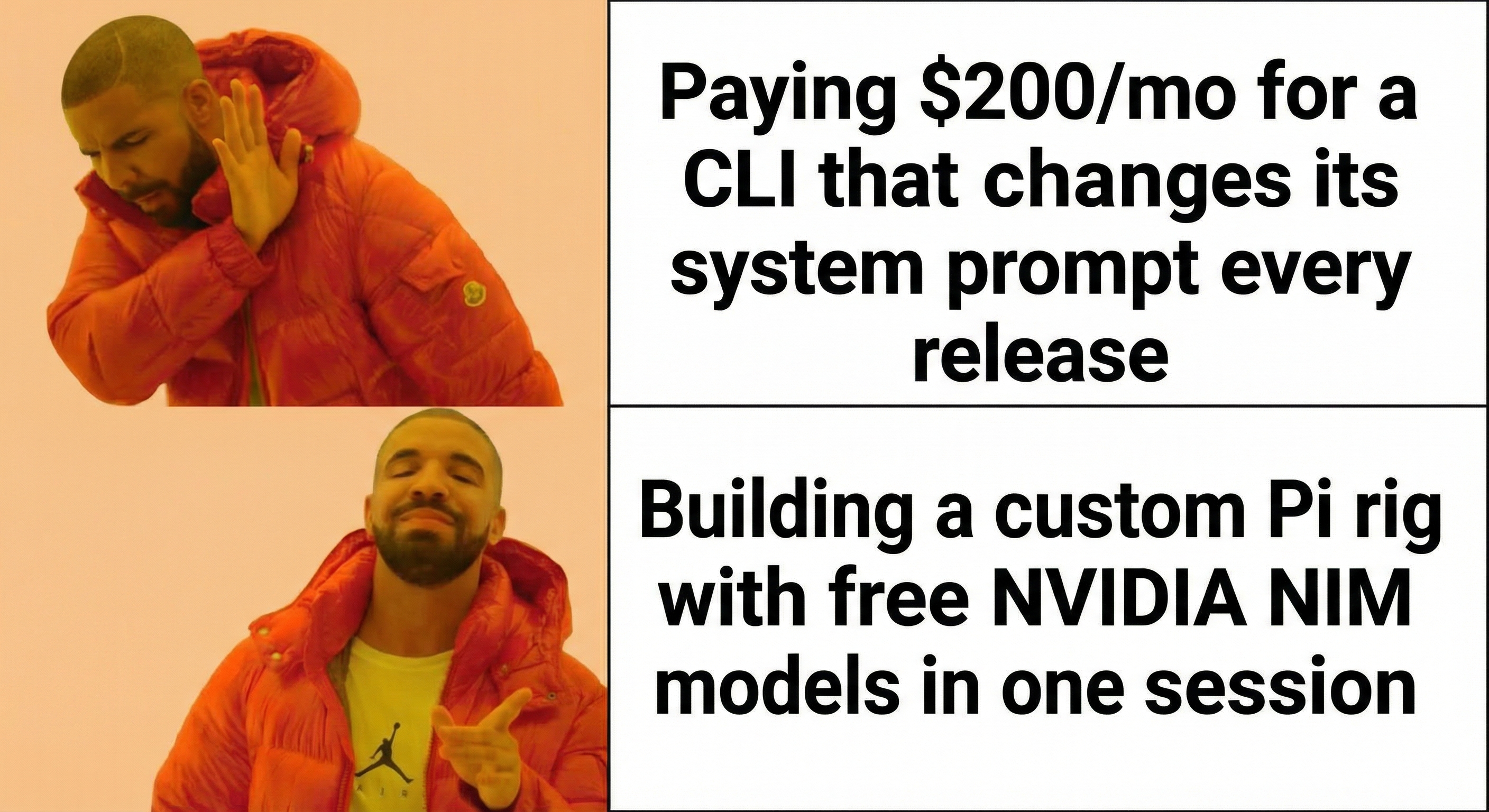
Twenty dollars gets you Pro. That buys rate limits during any real coding session. The Max plan runs $100 to $200, and you share that quota between the web UI and the CLI. Building your own harness doesn’t make the API free. You still pay for tokens. But you pay for what you use, through the provider you choose, without a subscription layer deciding how your agent behaves.
The bugs I could forgive. Guardrail failures on benign operations. MCP reload broken for six months. Other open issues. What I couldn’t forgive was the trust problem. I couldn’t rely on the tool behaving the same way twice.
Mario Zechner built a tracker for Claude Code’s system prompt history. It reads like a changelog for a product that can’t decide what it wants to be.
Armin Ronacher made the case that existing agent abstractions don’t give you the right level of control. Higher-level SDKs break the moment you hit real tool-use complexity. The right abstraction hasn’t been found yet, so stay close to the metal.
At the same time, I still think Claude Code sets the bar for coding quality and tooling expectations, especially with Opus 4.6. It’s powerful. It’s just pricey, and for my workflow I wanted more control over behavior and cost.
When you use a tool long enough and it won’t stay consistent, you reach a fork. Keep adapting to its whims. Or build something you control.
Why Pi: the minimum viable agent
Pi is built by Mario Zechner, the guy behind libGDX. He wrote a detailed post about why he built it: frontier models are already RL-trained to be coding agents. They know how to read files, write code, and run commands. The harness around them shouldn’t be doing much.
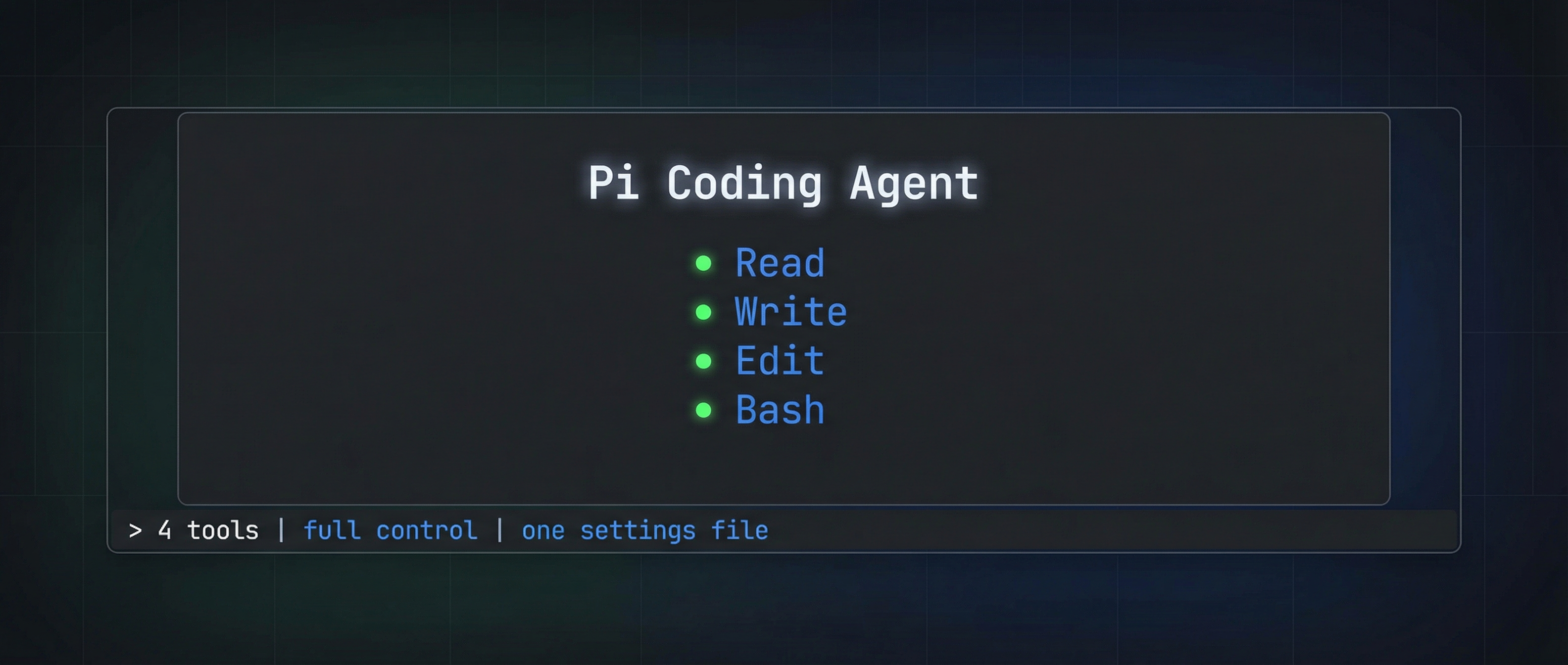
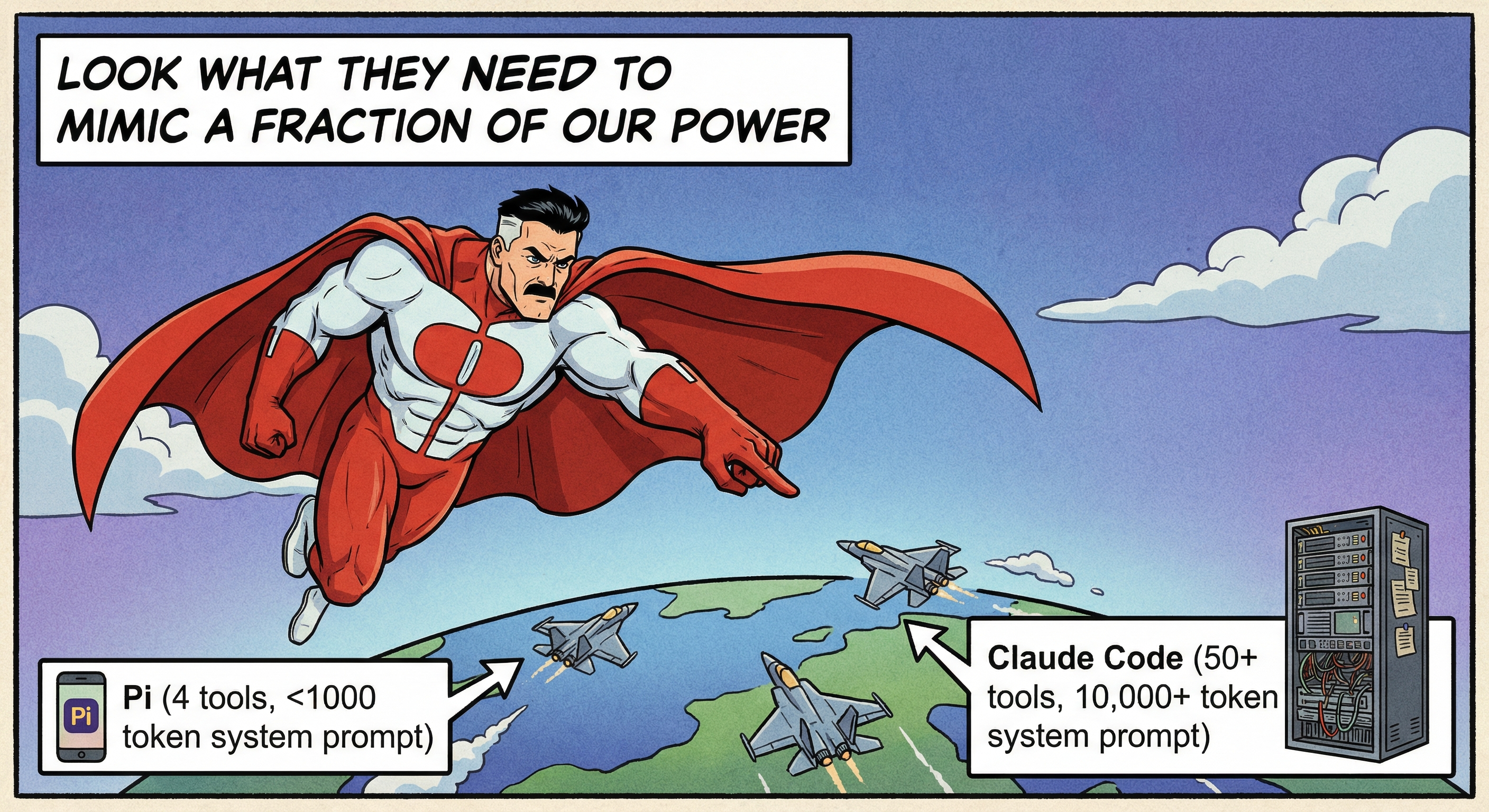
Pi ships with four tools. Read. Write. Edit. Bash. That’s it. The system prompt and tool definitions together weigh under 1,000 tokens. Claude Code’s system prompt alone runs into the thousands, and it changes every release. Pi’s stays put.
One settings file controls everything. Auth for multiple providers. Model configs. Extension paths. Keybindings. No hidden injection. No layered configs scattered across directories. You open one JSON file and see the whole picture.
The provider list is long: Anthropic, OpenAI, Google, Mistral, Groq, xAI, NVIDIA NIM, OpenRouter, Ollama, and others. Mid-session, you hit Ctrl+L and switch models without losing context. Start with Sonnet for speed. Pivot to Opus when you need depth. Drop to a local Ollama model when you’re burning through API credits.
Pi assumes you know what you’re doing. No confirmation dialogs before running ls. No guardrails by default. If that makes you nervous, you can add them. But the default posture is trust.
Pi doesn’t do linear chat. It builds a tree. You’re deep into an approach, the model goes sideways, you go back to where the thought diverged and fork. Both paths preserved. Both reachable. /tree shows the full structure. /export dumps it to HTML. You can pick up any branch days later with context intact.
Helmut Januschka wrote about switching to Pi and called mid-session model switching the killer feature. I’d add the session tree. When you’ve spent twenty minutes building context and the model takes a wrong turn, being able to branch instead of starting over changes how you work.
Install is one line:
npm install -g @mariozechner/pi-coding-agent
I ran it on a Thursday. By Friday I was building extensions.
My rig: the extensions
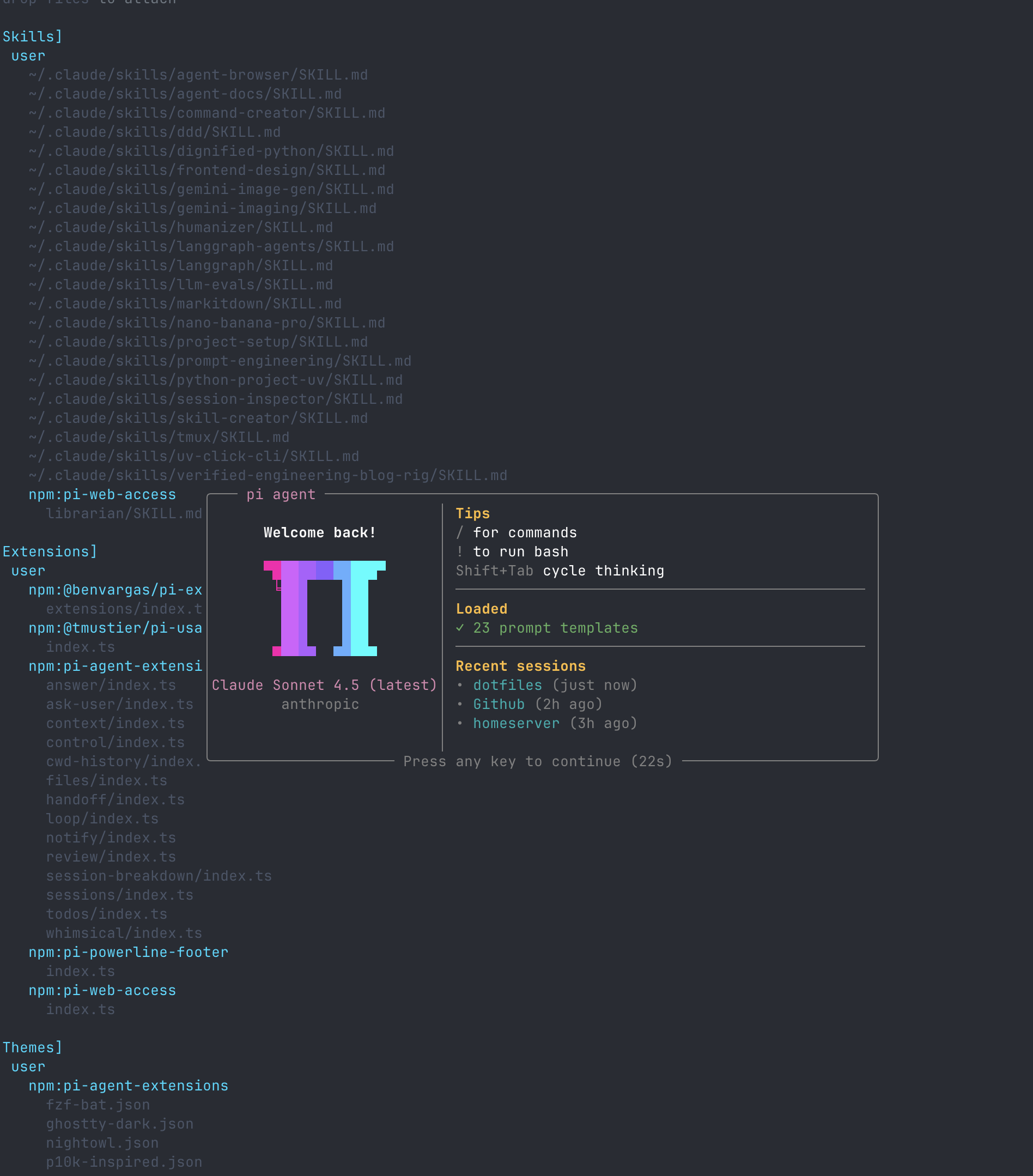
Pi’s extension system is straightforward. You write TypeScript, register tools or commands or UI hooks, and point your settings file at the code. No compilation step, no marketplace, no approval process. You write it, you load it, it’s live.
I spent a week building my setup. I wrote some from scratch, adapted others from open-source repos, pulled the rest off npm. All of it lives in one repo.
Ask User
In Claude Code, the agent sometimes stops and asks you a clarifying question through the UI. Without that, terminal agents barrel forward on assumptions and you find out three minutes later it guessed wrong.
Pi had no equivalent. So I built ask_user.
The idea was simple: a tool that lets the model pause and ask a question. It presents options with descriptions. You pick one. There’s always an “Other” escape hatch for freeform answers.
I wrote it inside Pi. Described what I wanted. Pi read the extension docs, looked at existing patterns, wrote the TypeScript. I reloaded. The extension was live.
The first time it fired, the conversation changed. The model stopped guessing and started asking.
Handoff
Every conversation hits the wall eventually. You’re deep in a session. Context is rich. Then the token limit arrives.
The default move is compaction. The agent summarizes everything and keeps going. But summaries lose signal.
Nicolay Gerold wrote about building handoff in Amp. Different agent, same problem. The pattern: instead of compressing, extract. Pull relevant files, commands, decisions, and open questions. Then start a new session preloaded with that context.
I rebuilt that pattern for Pi.
/handoff implement auth with tests scans the current session, extracts the working context, and launches a new session with a briefing instead of a thin summary.
You’re not starting fresh. You’re handing notes to a new instance of yourself.

Sessions
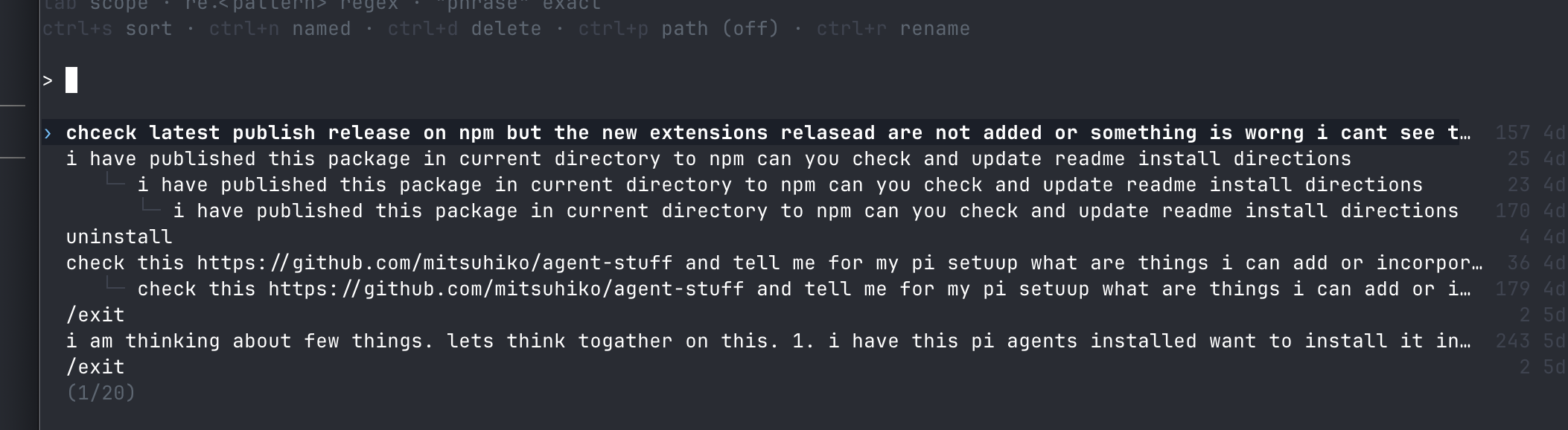
Pi has built-in session resume, but I wanted a picker. /sessions shows recent sessions for the current project with timestamps, lets you arrow through them, and hit Enter to jump in.
Small quality-of-life thing. Big daily difference.
The community shelf
This is where the ecosystem pays off.
Pi doesn’t ship with MCP support by default. Mario left it out deliberately, arguing token overhead isn’t worth it. Fair enough. I still use MCP for specific workflows, and pi-mcp-adapter exists on npm. One install, MCP works.
Same story with the terminal UI and utility tooling:
- pi-powerline-footer for model/tokens/session status
- pi-web-access for search and web content fetching
- @tmustier/pi-usage-extension for session cost tracking
I also adapted extensions from Armin Ronacher’s agent-stuff repo: file browser with git integration, desktop notifications, context breakdown dashboard, code review, and iterative loop runner.
Skills without duplication
I maintained skill files in my .claude/ directory and didn’t want to rewrite any of it.
Pi implements the Agent Skills Specification, and the settings file lets you point at external skill directories. I added paths to my existing skill folders and Pi loaded them as-is.
Same skills. No migration. No duplication.
Whimsical
This one is just for me. Pi’s loading spinner is fine, but I wanted personality.
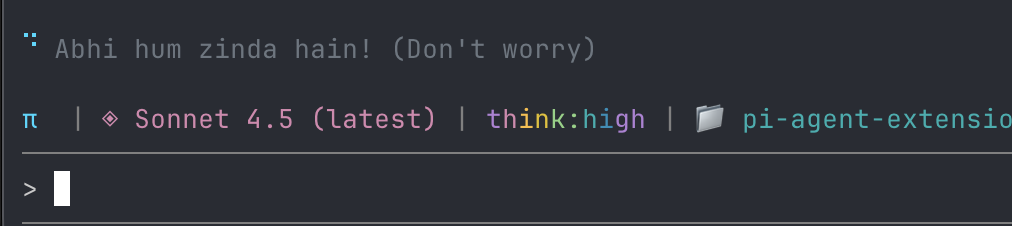
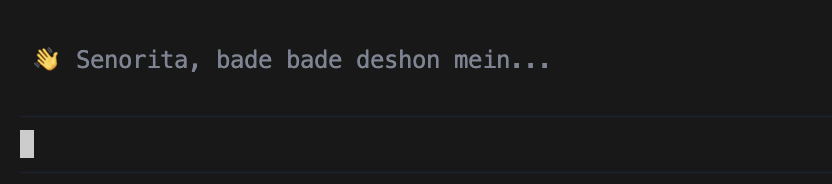
The whimsical extension swaps in context-aware loading messages: Bollywood dialogues late at night, dev humor during work hours, and a proper goodbye on /exit.
Cosmetic. But it makes the terminal feel like mine.
The bootstrap loop
Most of these extensions were built inside Pi itself.
Open Pi. Describe the extension you want. It reads docs and existing patterns, writes TypeScript, saves it. /reload. It’s live. Find a rough edge, fix, /reload again.
The ask_user tool, the handoff command, the session picker, and the NIM provider setup all came from this loop.
For the ZSH theme, I told Pi to read my shell history and dotfiles, then build something that fit. It looked at aliases, prompt config, and tools I use, and generated a theme I kept.
When something is missing, you build it in the same tool where you noticed it was missing.
The NIM night
NVIDIA NIM gives free API access to a solid lineup of models: Nemotron variants, Mistral code models like Devstral and Codestral, and Llama sizes across tiers.
Pi had no NIM provider config and no community plugin when I set this up.
I pointed Pi at the NIM API reference. NIM uses an OpenAI-compatible endpoint, so the config was standard. Pi generated provider config, I dropped it into settings, and model switching was live.

Control is the feature
Armin Ronacher wrote a piece called “Agent Psychosis”. The argument: developers are becoming dependent on AI agents to the point where they can’t function without them.
I think about that piece often. I use an AI coding agent for hours every day. The line between “this helps me think faster” and “I’ve stopped thinking” is real, and it moves.
Building my own rig is how I stay on the right side of that line.
I know what every extension does because I wrote it or read the source before installing it. When something breaks, I fix it in the same session. When the agent makes a bad call, I fork the conversation and try a different path instead of accepting the first output.
Mario built Pi so you can inspect interactions with the model. I customized it because I wanted tools shaped to how I work. Same instinct.
There’s a difference between a tool that works for you and a service that works on you. One of them you can open up and read. The other changes behavior on a Tuesday and hopes you won’t notice.
Build your own rig. Or at least pick one you can take apart.

Resources
Get started
- Pi Coding Agent — official site
- pi-mono on GitHub — source code
- Install:
npm install -g @mariozechner/pi-coding-agent - Pi Discord — community
My setup
- pi-agent-extensions — everything I built and adapted
Background reading
- Mario Zechner, “What I learned building an opinionated and minimal coding agent”
- Helmut Januschka, “Why I Switched to Pi”
- Armin Ronacher, “Agent Design Is Still Hard”
- Armin Ronacher, “Agent Psychosis”
- Nicolay Gerold, “How I Built Handoff in Amp”
Tools referenced
- NVIDIA NIM model catalog
- NIM API keys
- NIM API reference
- MCP Specification
- Agent Skills Specification
Built with Pi. Extended with TypeScript. Controlled with one settings file.